
The app
A home for
the whole working day.
Plan it, do it, remember it, invoice it. Days & Dues brings the everyday admin around your work into one iPhone app.
01 / Work
Every project starts
with a little space.
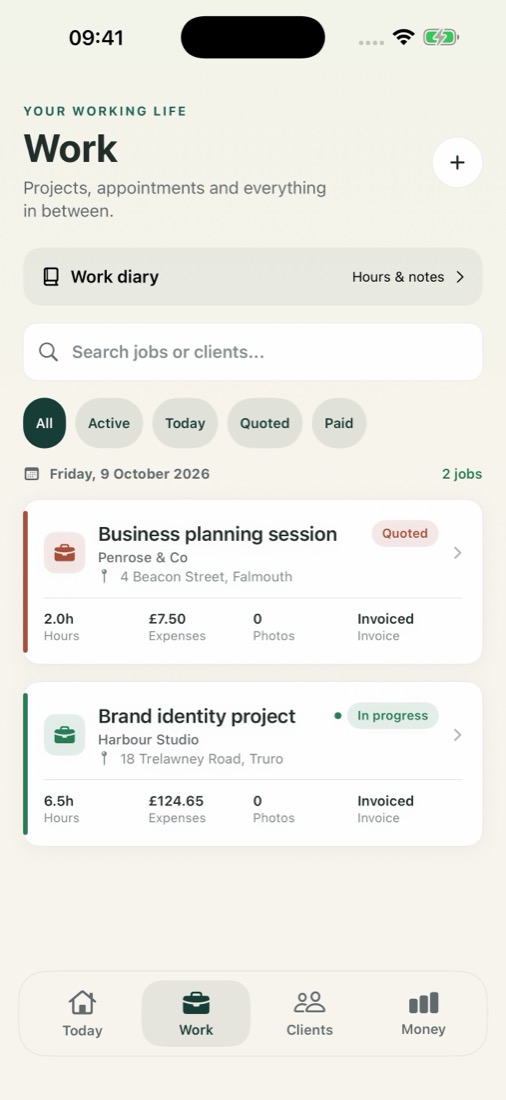
Keep an appointment, a one-off project or a piece of ongoing work alongside its client.
- Plan a date and time, and keep track of progress.
- Choose an existing client without typing their details again.
- Add a location when it matters. Leave it blank for remote work.
- Keep notes, time, costs and photos with the work.
02 / Clients
Remember the details.
Make room for the people.
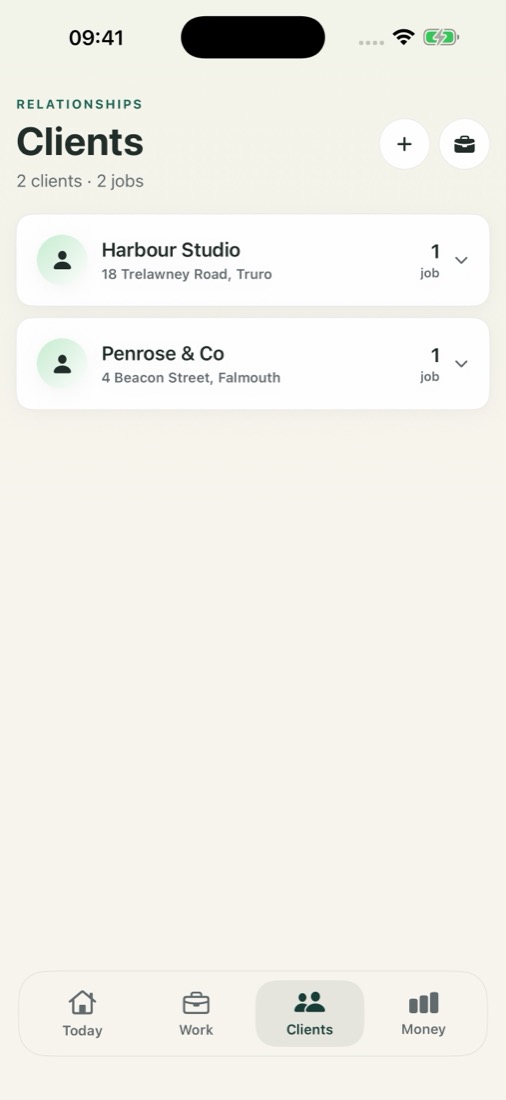
A client doesn’t need a project straight away. Save their details now, and add work when you’re ready.
- Create clients directly from the Clients screen.
- See their work together in one place.
- Keep the contact details you need for invoices and follow-ups.
- Reuse an existing client when new work comes in.
03 / Time & notes
Tell us about your day.
Then make it yours.
Speak or type a note while it’s fresh. AI helps organise it into suggested work entries, time and expenses. You review the details before they are saved.
Prefer to do it yourself? Start a timer or enter your time and costs manually. Voice and AI are optional, with an in-app consent step.
“Two hours editing for Alex, and twelve pounds on the train.”
TIME2 hours
EXPENSE£12 · Travel
Check the client, work and amounts. You decide what to save.
04 / Invoices & quotes
Your work is done.
Keep the payment in view.
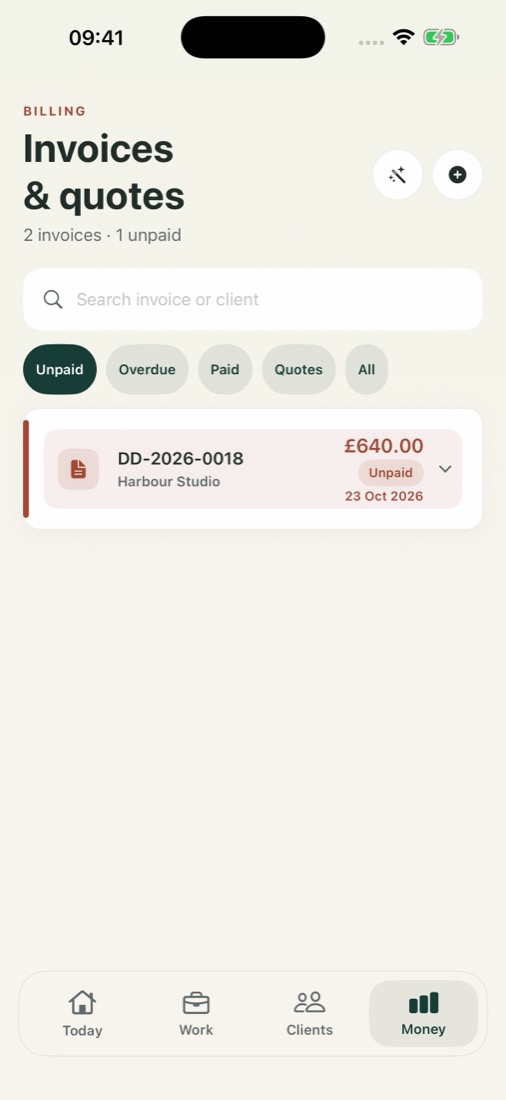
Create quotes and invoices, export a professional PDF and see what still needs to be paid.
- Use your saved business and client details.
- Review line items and amounts before sending.
- Find unpaid and overdue invoices.
- Use follow-up tools when an invoice needs a nudge.
Invoices currently use GBP. Sending an invoice does not guarantee payment.
05 / Money
A clearer view of
what comes in and goes out.
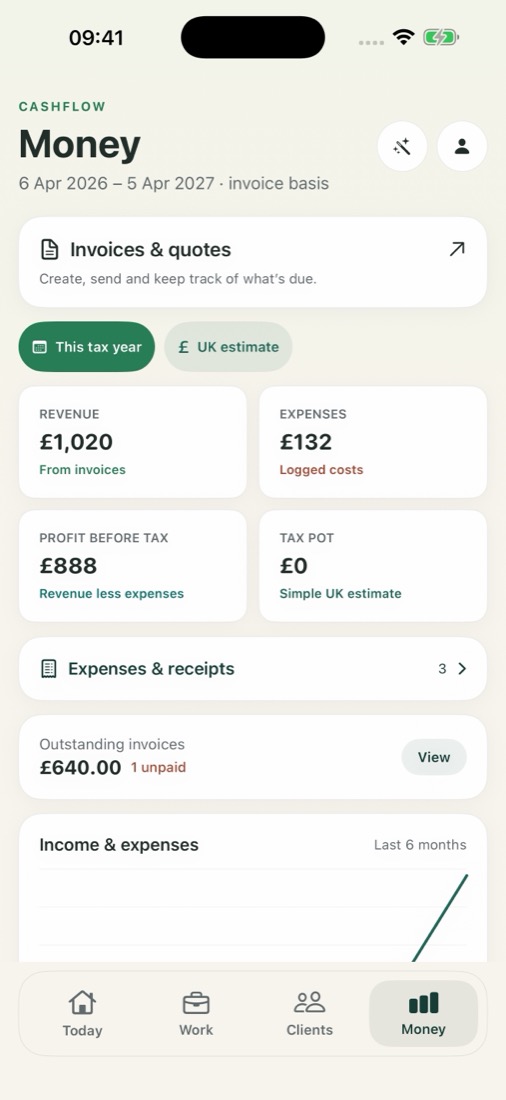
Bring invoice totals, recorded expenses and unpaid amounts into the same picture.
- Keep costs and receipt images with your work.
- See income and expenses in the Money screen.
- Open invoices and quotes without hunting through tabs.
- Use UK sole-trader tax estimates as a starting point to check.
Figures depend on your records. Tax estimates are not a tax return or personalised tax advice.
The tools, together
Less piecing it all together later.
Explore Pro and the free trial ↗Screens show version 3.0 with example records. The update is awaiting Apple review.